
GetCamped AI Productivity System
AI for Everyday Work & Business — for professionals and freshers
"AI fluency is now the baseline for getting hired and staying valuable. This course makes you the person who can get any task done with AI."
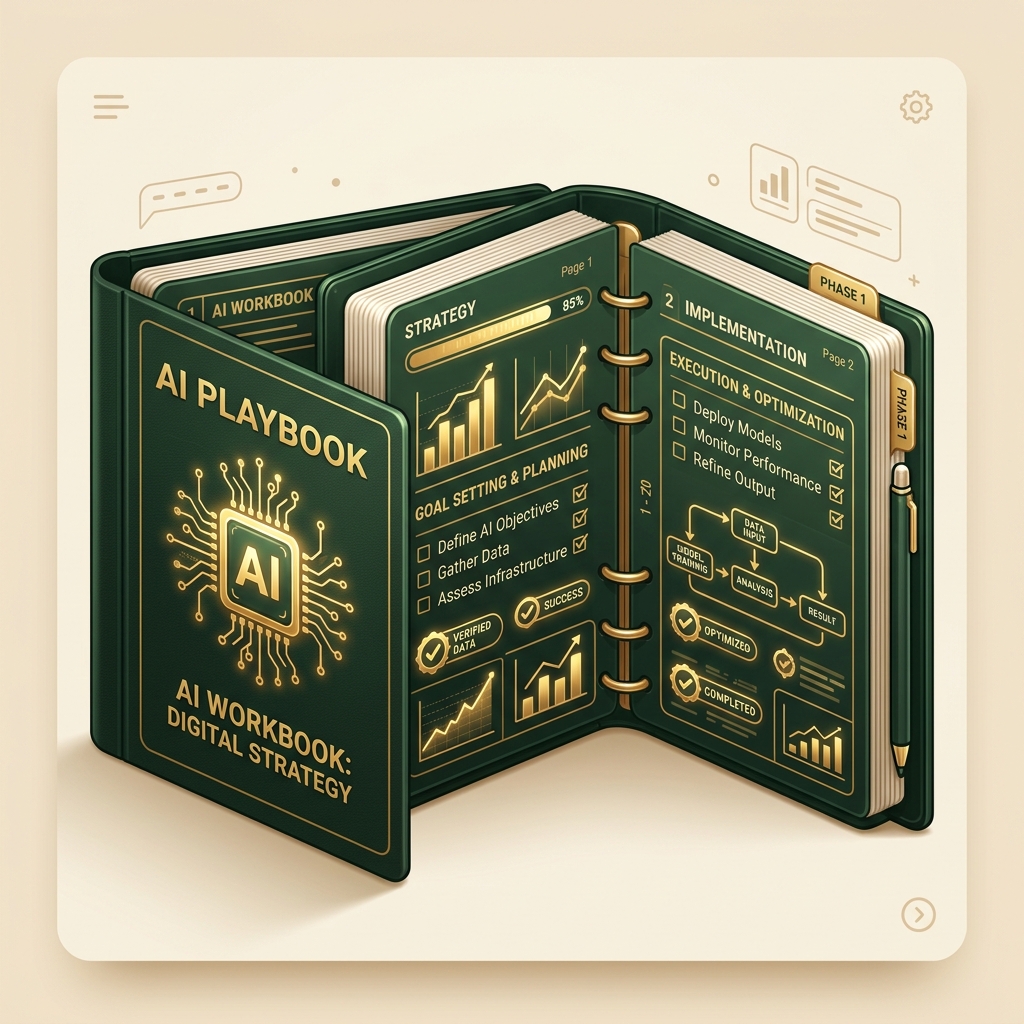
Why Prompt Templates are Outdated
Copypasting "magic prompts" is a short-term trick. When the model updates or your data changes, the prompt breaks. The durable skill is learning how to brief, verify, and run systems.
| The Outdated Way (Prompt Hacks) | The Durable Way (The S.A.V.E. Method™) |
|---|---|
| Searching for a "100+ prompt library" cheatsheet | Learning to write standard, robust briefs like an operations manager |
| Trusting the first response output without audit | Implementing verification steps to catch invented-fact mistakes |
| Using ad-hoc chats that get lost in logs | Saving successful workflows into institutional playbooks |
By the end of this course, you will confidently be able to:
- ✓ Build an AI app without coding
- ✓ Automate repetitive office work
- ✓ Create presentations in minutes
- ✓ Research any company or topic with AI
- ✓ Clean & analyze Excel data
- ✓ Build your own AI workflows
- ✓ Use AI confidently at work — and talk about it in interviews
The Signature Framework: S.A.V.E. Method™
Instead of treating AI like a text search bar, we treat it like a capable new joiner.
Start with the Goal
Define the exact outcome before touching a tool. What is the business endpoint? What inputs do we have?
Ask AI Effectively
Brief AI like a capable colleague: role, operational context, constraints, step-by-step rules, and few-shot examples.
Verify the Output
Audit hallucination patterns, false confidence, invent-fact mistakes, and data privacy protocols.
Execute & Automate
Ship real work, turn successful prompts into repeatable playbooks, and automate recurring processes end-to-end.
The GetCamped Productivity Pyramid
25 Concrete Workflows You Will Master
Every single workflow is backed by step-by-step video instructions and downloadable templates.
Draft high-converting client emails matching your exact tone and constraints.
Extract key decisions and action items from 50-page PDFs or long email threads.
Structure PR briefs, proposals, and policies with zero formatting errors.
Transform bullet points into narrative-driven slide outlines and visual decks.
Use LLM code interpreters to clean corrupted spreadsheet rows and draw charts.
Conduct competitor teardowns and market research in minutes.
Define milestone schedules and agendas with automated constraint checks.
Route raw transcript audio into task boards and executive summaries.
Generate multi-angle social posts, blogs, and content calendars.
Write high-intent Meta and Google search ad copy variations.
Draft role briefs and screen candidate resumes against criteria.
Craft personalized cold outreach and tailor enterprise pitch proposals.
Collate weekly updates into polished executive summaries.
Document internal team procedures into step-by-step operating manuals.
Turn raw CSV datasets into interactive visual charts.
Scaffold functional web utilities using Claude Artifacts and no-code wrappers.
(Technical Track) Scaffold, test, and query a backend API service.
Connect raw data inputs directly to formatted deck exports.
Convert raw numerical insights directly into presentation slides.
Run the 30-minute test drive to benchmark any new AI model release.
Map your daily responsibilities into streamlined AI-assisted queues.
Store multi-shot System Prompts into your workspace library.
Optimize your profile and resume to highlight your AI workflow capabilities.
Practice role-specific mock interview scenarios with AI feedback.
Wrap any new ad-hoc work request into a repeatable AI execution loop.
Complete Course Syllabus (60 Lessons)
Module 1: Demystify AI (Fear-Killer) — 5 lessons · ~34 min
• Welcome & how to use this course (Includes Fast-Track Guide for experienced users)
• What AI / LLMs actually are, no math
• Why it hallucinates & what that means for you
• What AI can and can't do today
• The mindset shift
Module 2: The AI Landscape by Category — 8 lessons · ~55 min
• Think in categories, not tools · Chat assistants · Image & design · Video & voice/audio · Coding & no-code · Research & search · Agents & automation · Meeting notetakers & productivity
Module 3: Prompting Well (Core Skill) — 6 lessons · ~47 min
• Anatomy of a good prompt · Role, task, context, format · Giving examples (few-shot prompting) · Iterating & following up · Common mistakes · Reusable prompt templates
Module 4: AI for Everyday Work (The Workflow Spine) — 6 lessons · ~47 min
• Email & communication · Documents & writing · Summarizing & research · Presentations & slides · Spreadsheets & data basics · Thinking / planning partner
Module 5: How Professionals Actually Use AI (Real Role Workflows) — 6 lessons · ~51 min
• Pick your track · Marketing & content workflow · HR & recruiting workflow · Sales, ops & founder/CEO workflow · Students & freshers workflow · Designer / consultant / developer-light workflow
Module 6: Judgment & Safety — 5 lessons · ~35 min
• Verifying output & fact-checking · Data privacy: what never to paste · Bias & fairness · Copyright, originality, disclosure · When NOT to use AI
Module 7: The Framework (Evaluate Any New AI) — 5 lessons · ~42 min
• Why tools go stale but the skill doesn't · The 30-minute test-drive method · The adoption decision: does it fit my workflow? · Comparing tools without hype · Case study: applying it to a brand-new tool
Module 8: Build Your Personal AI Stack — 4 lessons · ~28 min
• Designing your workflow · Choosing your core tools · Staying current without chasing everything · Free vs paid: what's worth it
Module 9: Career & Confidence (Job-Ready Finish) — 5 lessons · ~34 min
• Talking about AI at work & in interviews · Becoming the "AI person" on your team · AI on your resume & LinkedIn · Continuous-learning mindset · Job-ready checklist + portfolio wrap
Module 10: Projects (Build-Along Walkthroughs) — 9 lessons · ~163 min
• How to use these projects & Free Project Toolkit
• Project 1 — Data → Dashboard: Messy dataset → cleaned → analyzed → polished chart + summary (Zomato, TCS, Apple, Netflix data)
• Project 2 — Deep-Research Brief: Research a real company from scratch → structured report
• Project 3 — Build a Working App with AI: Functional no-code tool (the shareable week-one win)
• Project 4 — [BONUS · Technical Track] Build & test a backend API with AI
• Project 5 — Automate a Repetitive Task: Raw inputs → formatted report or deck end-to-end
• BONUS — AI Battles: Head-to-head tool comparisons & Wrap
Capstone: Earn Your Certificate — 1 lesson · ~12 min
• Submit your custom AI workflow or mini-app to earn your certified TrainerCentral badge.
The Resource Vault
You don't just get video lessons. You get immediate access to our growing library of operational playbooks, SOP outlines, verification checkers, and script templates.
1. 100+ Prompt Library
Grouped for email, marketing, HR, resume, Excel, interview, and research briefs.
2. One-Page Cheat Sheet
One-page prompting & tool quick-reference guide.
3. AI Tool Directory
Categorized, updatable directory paired with the Free Project Toolkit.
4. Weekly AI Update List
Living feed of "what's new & worth trying" so your skills never go stale.
5. Productivity Toolkit
Workflow checklists for evaluating time savings.
6. AI Workflow Templates
Reusable SOP structures for the 25 core workflows.

Our Course Commitment
"Includes ongoing updates as major AI tools evolve."
As OpenAI, Anthropic, Google, and open-source models update their APIs and interfaces, we film and upload updates to ensure your training remains relevant.
Is this course right for you?
Perfect for you if:
- — You write, research, analyze spreadsheets, or organize projects for your job.
- — You feel overwhelmed by the constant release of AI tools and want a steady framework.
- — You are looking for clear, non-technical training taught by an active business operator.
Not for you if:
- — You are looking for an AI Engineering / ML course. We do not cover PyTorch, write backpropagation math, or train custom base LLM models.
- — You expect copy-paste shortcuts to replace basic human reasoning and professional oversight.
- — You do not want to actively build your own workflows or complete the Capstone.

Deepak
CEO of Softknack
Deepak is the CEO of Softknack, an AI-first software company. Over his 15-year career in tech, he has mentored and trained more than 500 professionals.
He built this masterclass out of frustration with existing courses that either focused too heavily on theoretical developer math, or offered shallow prompt templates that break.
Simple, Transparent Pricing
No monthly subscription tiers. One-time enrollment.
AI Productivity System
- ✓ Full access to 10 Modules + Capstone
- ✓ 60 video lessons (~9.2 hours total)
- ✓ Durable S.A.V.E. Method™ Workbook
- ✓ 6 Resource Vault Assets & Templates
- ✓ Ongoing updates as major AI tools evolve
- ✓ Zoho TrainerCentral completion certificate
Frequently Asked Questions
How long do I get access to the materials?
You get full, ongoing access to all lessons, playbooks, and video tutorials hosted on TrainerCentral. We want you to learn at your own pace.
Is this course suitable for beginners?
Absolutely. If you can write an email and use Excel, you have all the prerequisites. We do not teach coding or machine learning math.
Is there a certificate?
Yes. Upon completing all modules and submitting a passing Capstone project, a certified TrainerCentral completion badge and certificate will be generated automatically.
What is your refund policy?
Because our courses provide immediate access to downloadable templates and playbooks, we offer refunds strictly under our standard refund policy terms. Please review our legal Refund Policy page before purchase.
Build Durable AI Skills Today
Take control of your workflows and start delegating to AI like a professional.